

At Jump Cutters, we have always believed the best editing is the kind you never notice. When a video works, you are not thinking about the cuts. You are listening to the person on screen, following the story, feeling something. Getting there takes hours of careful, unglamorous work, so lately we have been testing whether AI can take some of that off our hands without touching the parts that actually matter. Adobe's text based editing was the first tool we put to work.
What it is
Text based editing transcribes everything said in a clip, then finds the filler words and the long pauses on its own. With one move, they are gone. It is the first pass on almost any interview, the part where you clear out the "ums" and the dead air before the real work begins. None of that takes taste or judgment. It just takes time, and a lot of it.
The test
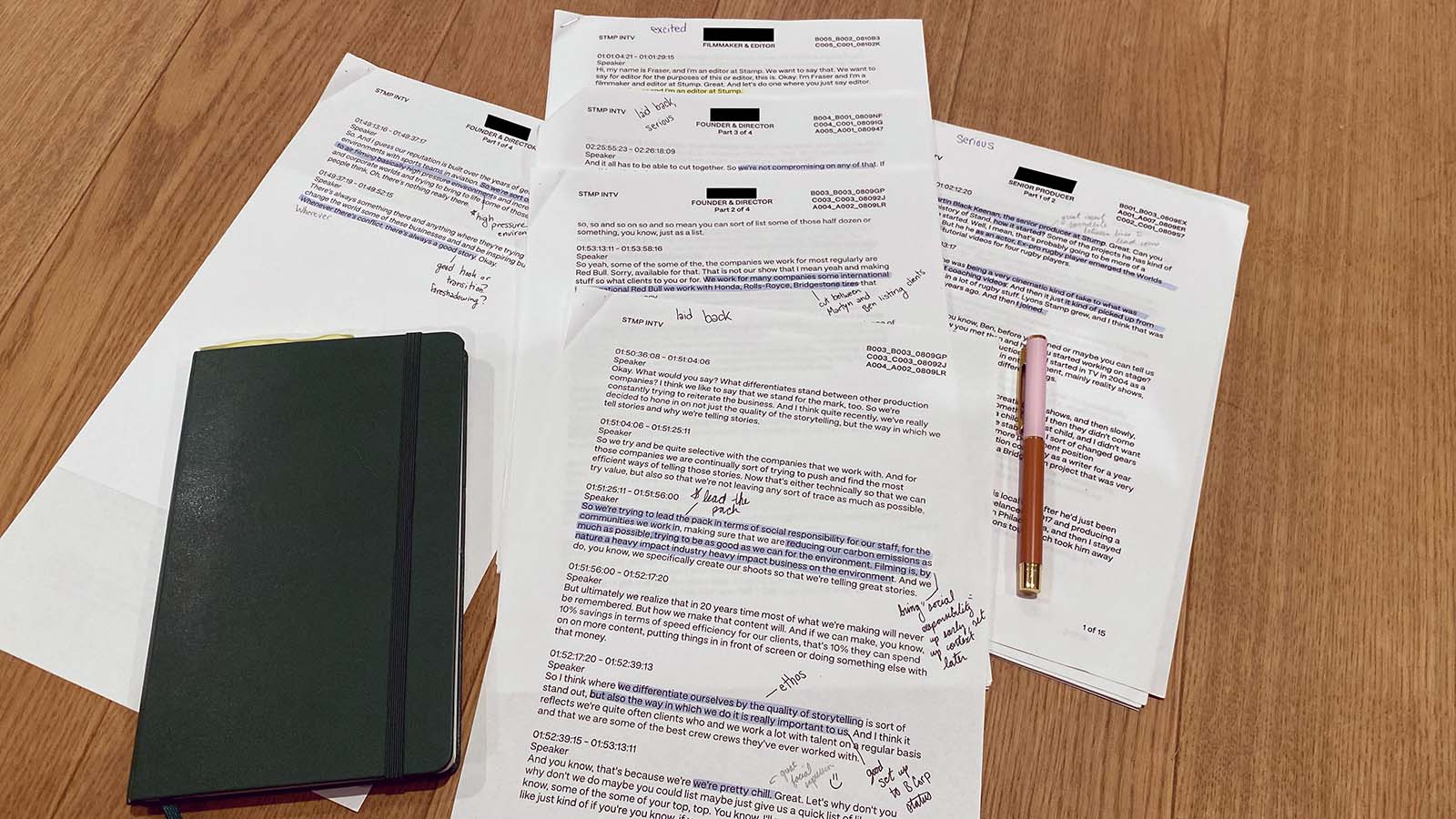
We ran it on a real interview with a student. Raw footage, the kind where you can still hear us asking the questions and the speaker pausing to think between answers. Cleaning that one 8 minute clip by hand is slow, patient work that can eat close to an hour. The AI handled it in about 8 minutes, and it did it on its own while we focused on something else. What it gave back was a rough cut, not a finished piece. The story, the pacing, the moments worth keeping, all of that was still ours to shape.
Pros
- Takes the tedious, low skill work off your plate
- Strips out everything nobody needs to hear, the filler words and the pauses
- Once it clicks, it is the same easy move every time
- Everything stays inside Premiere Pro, so you are not bouncing between apps
- You can still jump into the timeline and adjust its cuts yourself
- If it mishears a word, fixing the transcript is painless
- Remove pauses and filler one at a time, or clear them all at once
Cons
- The first time, there is a lot on screen and it can be genuinely confusing
- It still misses things and leaves a few unwanted bits behind
- You will need to look a few things up to get started
- Change your mind after a mass delete and getting that one cut back can be a hassle
- Getting one long, smooth take is tricky, since a single small slip can get removed along with everything else
How we'd use it
So where does it fit? We reach for it on interviews with nervous or first time speakers, the ones who trip over their words, so we can get to clean sentences without asking them to reshoot or burning an afternoon on cleanup. When the footage is already sharp, or when we are hunting for the one line that makes a whole piece land, we leave it alone and do that by hand. That is the point. We do not hand AI the decisions that need a person. We let it clear the busywork so we can spend our time where the craft actually shows: finding the right moments, making a speaker sound like the best version of themselves, and keeping the edit invisible.
Is it staying in our kit? For now, yes. Not because it makes the video for us, it does not, but because it quietly takes care of the part of the process that never needed a human in the first place. We are still learning where its limits are, and we will keep testing it against real projects. Anything that hands us back hours to spend on the story, instead of scrubbing out "ums," has earned its place. The craft stays with us. The grunt work does not have to.